A website redesign is not about changing colors or pictures or how the pages look. If you don’t plan it well, it can cause you to lose visitors. It can also produce broken links, slow the site, and reduce Cost per lead Google Ads.
Before you start building your website, check your current search engine optimization. Review the content you have, your analytics data, and how it works on phones.
Identify the parts that help people do what you want them to do. This preparation guides the redesign to support your goals and maintain usability.

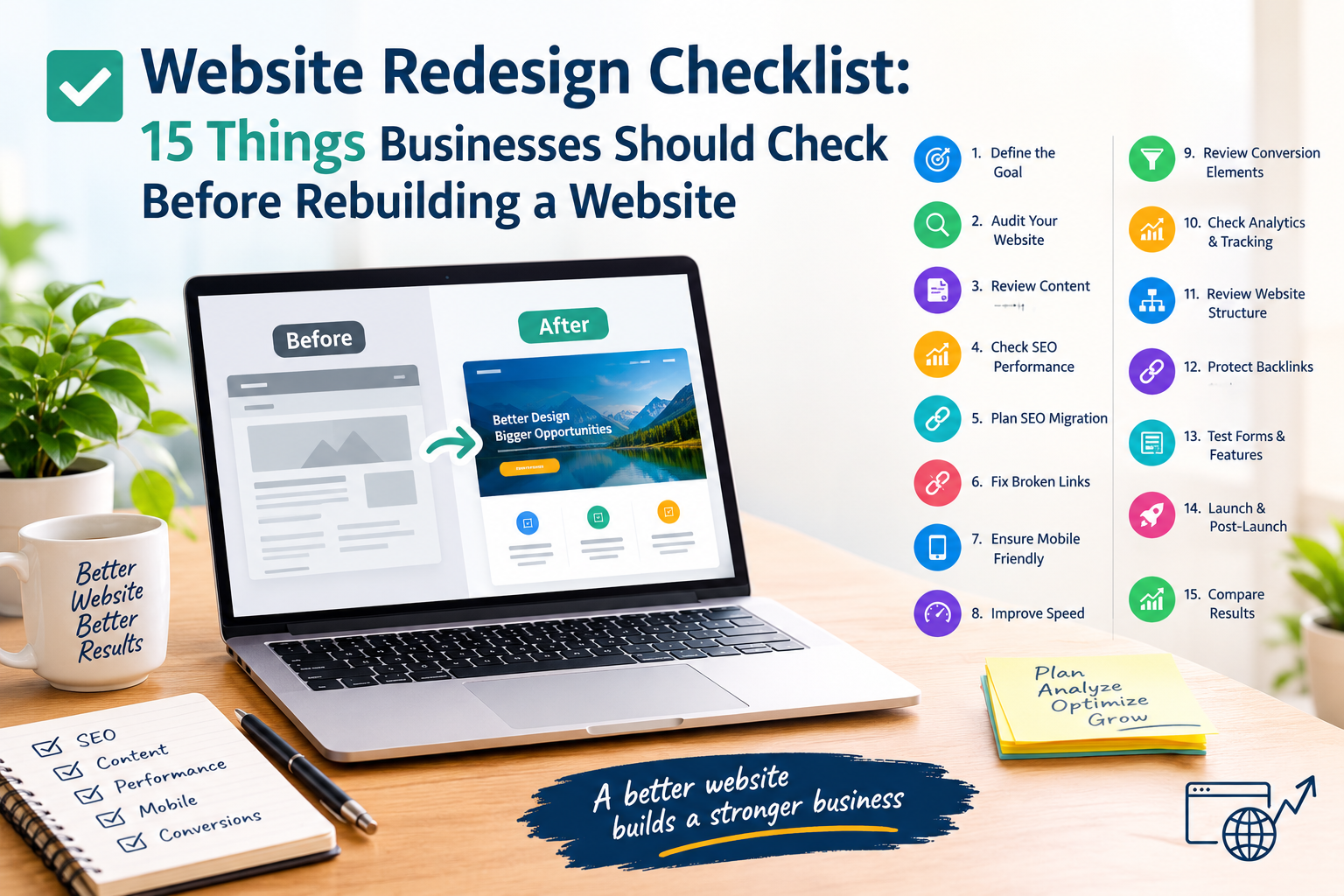
This website redesign checklist covers 15 important things businesses should check before launching a new website.
1. Define the Goal of the Redesign
Start by identifying why you are redesigning the website. Your goal could be improving user experience, generating more leads, updating outdated content, improving SEO, or making the website mobile-friendly.
A clear goal helps you make better design and content decisions.
2. Audit Your Existing Website
Before removing or changing pages, perform a complete website audit. Check your existing pages, URLs, traffic, back links, rankings, images, forms, and important content.
Identify what is performing well and what needs improvement.
3. Review Your Website Content
Do not automatically move every old page to the new website. Review your content and decide what should be:
- Updated
- Rewritten
- Combined
- Removed
- Created as new content
Make sure important information remains available after the redesign.
4. Check Your SEO Performance
Additionally, SEO should be considered before rebuilding the website.
Review current keyword rankings and organic traffic to reduce Cost per lead Google Ads.
Also evaluate indexed pages, title tags, meta descriptions, headings, internal links, and back links.
A redesign should protect existing SEO value rather than accidentally removing it.
5. Create an SEO Website Migration Plan
Changing URLs during a redesign can create problems if they are not handled properly. Prepare a list of old URLs and their corresponding new URLs.
Use appropriate 301 redirects when pages or URLs are permanently changed.
This is an important part of your website redesign SEO checklist.
6. Check for Broken Links
Review internal and external links before launching the new website. Broken links can create a poor user experience and may prevent visitors from reaching important information.
Test links after the new website goes live as well.
7. Make the Website Mobile-Friendly
A large number of users access websites through smartphones. Check whether menus, buttons, forms, images, text, and navigation work properly on smaller screens.
Mobile usability should be tested on different screen sizes before launch.
8. Improve Website Speed
Website performance affects user experience. Large images, unnecessary scripts, excessive plugins, and poorly optimized code can slow down a website.
Before launching, check page loading performance and optimize images, caching, code, and other resources where necessary.
9. Review Your Conversion Elements
A website should make it easy for visitors to take the next step. Review important conversion elements such as:
- Contact forms
- Phone numbers
- WhatsApp buttons
- Inquiry forms
- Call-to-action buttons
- Service pages
- Landing pages
Make sure these elements are easy to find and use.
10. Check Your Analytics and Tracking
Make sure your analytics and tracking systems are properly planned for the new website.
Review important tracking such as website traffic, conversions, form submissions, and other business goals. Test tracking after launch to confirm that data is being recorded correctly.
11. Review Your Website Structure
A clear website structure helps visitors and search engines understand your content.
Organize pages logically and create simple navigation. Important service or commercial pages should be easy to reach from the main navigation and relevant internal links.
12. Protect Your Existing Backlinks
Backlinks pointing to your existing pages can contribute to your website’s SEO value. Before deleting or changing pages, identify important back links and make sure those URLs are properly redirected when necessary.
This can help reduce the SEO impact of a website migration.
13. Test Forms and Important Features
Before launching, test every important website function. Submit contact forms, test buttons, check menus, verify search functionality, and test any booking or inquiry features.
A redesign should not go live with broken features.
14. Create a Launch and Post-Launch Checklist
Your work does not finish when the website goes live. After launch, check:
- Redirects
- Indexing
- Robots.text
- XML sitemap
- Analytics
- Forms
- Mobile usability
- Page speed
- Broken links
- Important page rankings
Monitor the website closely during the first few weeks.
15. Compare Results After the Redesign
Finally, compare your website’s performance before and after the redesign. Monitor organic traffic, rankings, conversions, engagement, page speed, and other important business metrics.
This helps you understand whether the redesign achieved its intended goals.
Common Website Redesign Mistakes
Some common website redesign mistakes include deleting high-performing pages, changing URLs without redirects, ignoring mobile users, forgetting analytics tracking, using over sized images, and focusing only on appearance.
A successful redesign should balance design, SEO, performance, usability, and conversion.
Why SEO Should Be Part of Website Redesign
SEO should not be added after the new website is finished. It should be considered during planning, content migration, URL mapping, website structure, and development.
Businesses planning a redesign can also review their website design and development requirements through the Ekaasha website designing page and learn more about creating SEO-friendly landing pages through the SEO-friendly landing pages guide.
Conclusion
A website redesign is an opportunity to improve your online presence, but it needs careful planning. Using this website redesign checklist can help businesses review SEO, content, redirects, mobile usability, analytics, performance, and conversion elements before rebuilding.
Instead of redesigning only for appearance, focus on creating a website that is easy to use, search-friendly, fast, and designed to support business goals.
CTA: Need help reviewing your existing website? Request a website audit or redesign consultation.
Meta Title
Website Redesign Checklist: 15 Things to Check Before Rebuilding
Meta Description
Use this website redesign checklist to review SEO, redirects, content, mobile usability, analytics, performance, and conversions before rebuilding your website.
Primary Keyword
Secondary Keywords

small business website redesign, website redesign SEO checklist, website redesign mistakes, SEO website migration, website redesign for lead generation